
Apple's Camera Control Button Requires Deep Menu Diving for Full Utility

AI-generated image · US National Wire
New iPhone hardware features a capacitive button that users must manually configure through multiple settings layers to optimize.
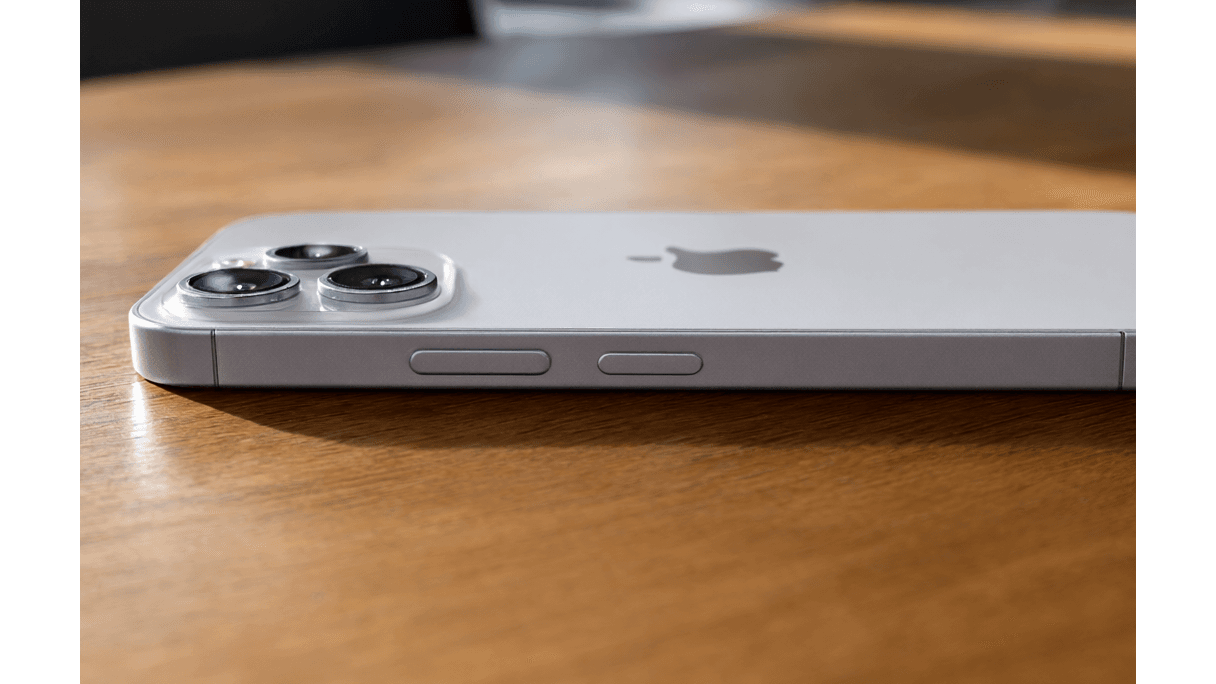
Apple has introduced a capacitive Camera Control button on the right side of the iPhone 16, 17, and 18 series, designed for one-handed photography and video capture. While the button launches the camera, takes photos, and records video by default, Engadget reports that users must navigate through nested menus to unlock its full functionality.
To modify how the hardware behaves, users must go to Settings > Camera > Camera Control. Within this pane, the "Launch Camera" section allows users to change the default app triggered by the button to options such as Instagram, Magnifier, or Code Scanner. Additionally, the "Controls" section contains "Camera Adjustments," where users can enable or disable six specific functions: Zoom, Exposure, Depth, Cameras, Styles, and Tone. Engadget notes that users can reorder these functions by holding a burger icon to define the sequence used when swiping the button.
Further customization is buried in a separate menu under Settings > Accessibility > Camera Control. This area allows users to disable the button entirely or adjust the pressure and speed sensitivity to "Slow" or "Slower" to prevent accidental activations. Other available toggles include "Require Screen On" to stop the camera from launching while locked and options to modify how Visual Intelligence is triggered via Siri.