
Opinion: The Aesthetic of Speed: Why Gaming Routers Are Marketing Masterclasses

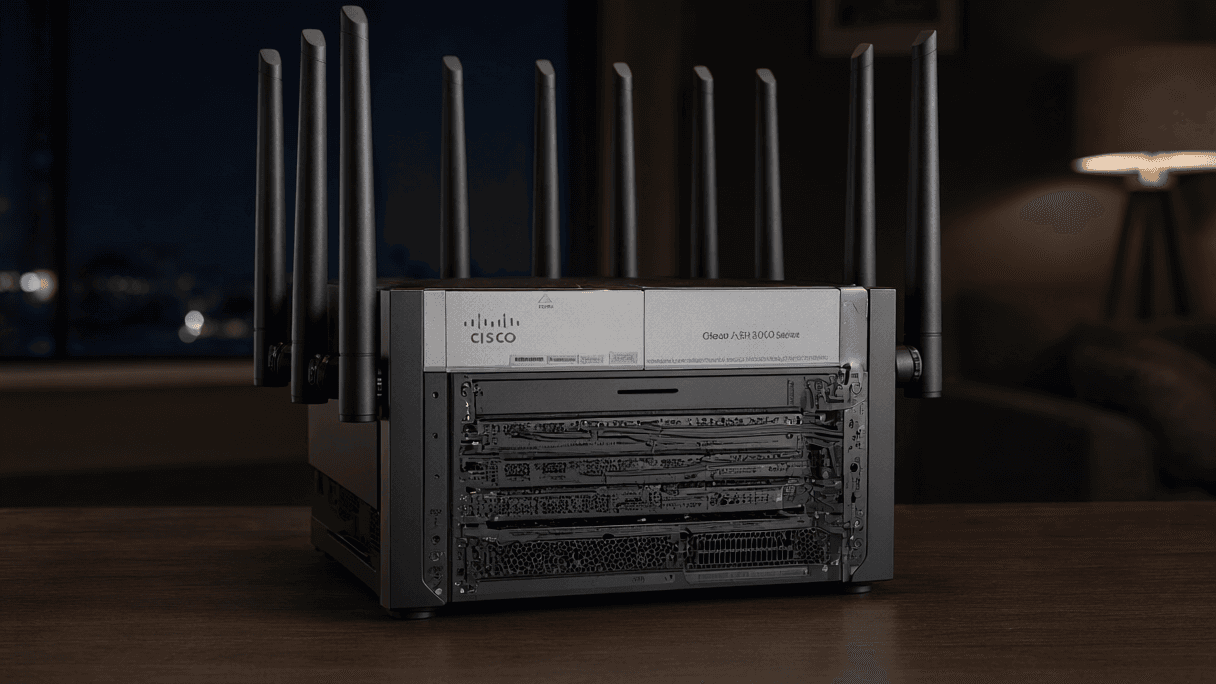
AI-generated image · US National Wire
High-performance hardware and 'gaming' branding often mask a simple truth: the most critical network upgrades don't come in a fancy case.
In the modern gaming ecosystem, almost every piece of desk hardware has a 'gaming' variant. While high refresh rate monitors or programmable mice offer tangible utility, the gaming router occupies a more ambiguous space. As Engadget first reported, these devices—defined by aggressive designs and oversized antennas—promise a sanctuary from lag, but often serve as a masterclass in marketing aesthetic over unique network utility.
According to Engadget, once you strip away the flashy packaging, the internal components of a gaming router are not particularly special. They perform the same fundamental task as any home router: moving traffic between the internet and your devices. While these units often boast powerful hardware, they rely on the same Wi-Fi standards and Ethernet connections as their non-gaming counterparts. For example, Engadget notes that the entry-level, non-gaming TP-Link Archer BE550 offers the same tri-band Wi-Fi 7 and 2.5 Gbps Ethernet ports as many high-end gaming models.
The perceived value of these devices often lies in software and traffic management. Some models, such as the Netgear Nighthawk Pro Gaming XR1000, feature dashboards that allow users to prioritize specific games or utilize a 'Geo-Filter' to restrict connections to servers in specific geographical areas to reduce latency. Similarly, Asus employs 'Adaptive QoS' to automatically identify and prioritize gaming traffic.
However, these features are not exclusive to the gaming category. Engadget highlights that Quality of Service (QoS) and smart queue management (SQM)—tools used to keep connections responsive under heavy loads—are available on many routers regardless of branding. In fact, testing conducted by RTINGS found that nine out of 11 routers showed improved network latency when using QoS or SQM, and all 11 of those routers possessed traffic management features, some of which lacked any gaming branding.
Ultimately, the 'gaming' label cannot overcome the laws of physics or the limitations of an internet service provider. A router cannot bring a user closer to a remote game server or increase the raw speed of the internet connection. While a new router can address poor Wi-Fi connectivity via the 6GHz band or better antennas, Engadget suggests that simply repositioning an existing router to avoid interference can often yield similar stability results.
For those truly seeking a performance edge, the most effective upgrade is often the most boring: a wired Ethernet connection. By using a Cat 5e cable (or higher) to connect a PC or console directly to the router, gamers can entirely bypass Wi-Fi signal congestion and interference. As Engadget points out, no specialized 'gaming' cables are required to achieve this result, making the expensive, branded router an unnecessary detour for those prioritizing actual network stability over desk aesthetics.